Splatoon 3 is Nintendo’s fast-paced ink-based multiplayer shooter. You can duke it out in Turf Wars, customize your look, work together in Salmon Run, or enjoy high-stakes card games. You can also useamiiboor scan QR codes to get special rewards. This may leave you wondering how to redeem QR codes in Splatoon 3.
How to redeem QR Codes in Splatoon 3
First, you must download the officialNintendo Switch Online app. You will also need a Nintendo account and to sign into the app with your account. Once you do this, click onSplatoon 3, and you will see an option forQR Code Reader. You must use this as your regular camera will not work and you will get a random string of letters and numbers.
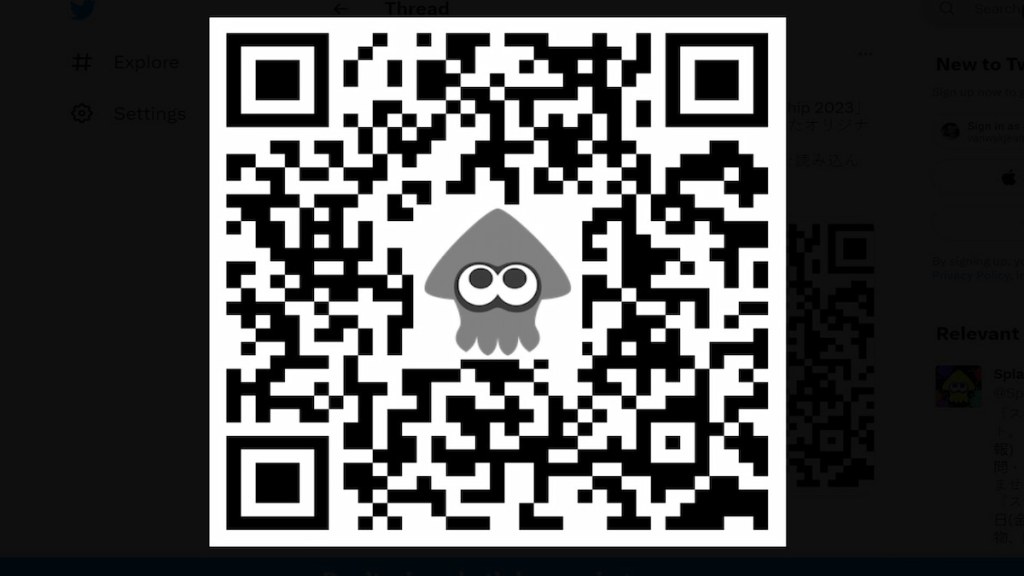
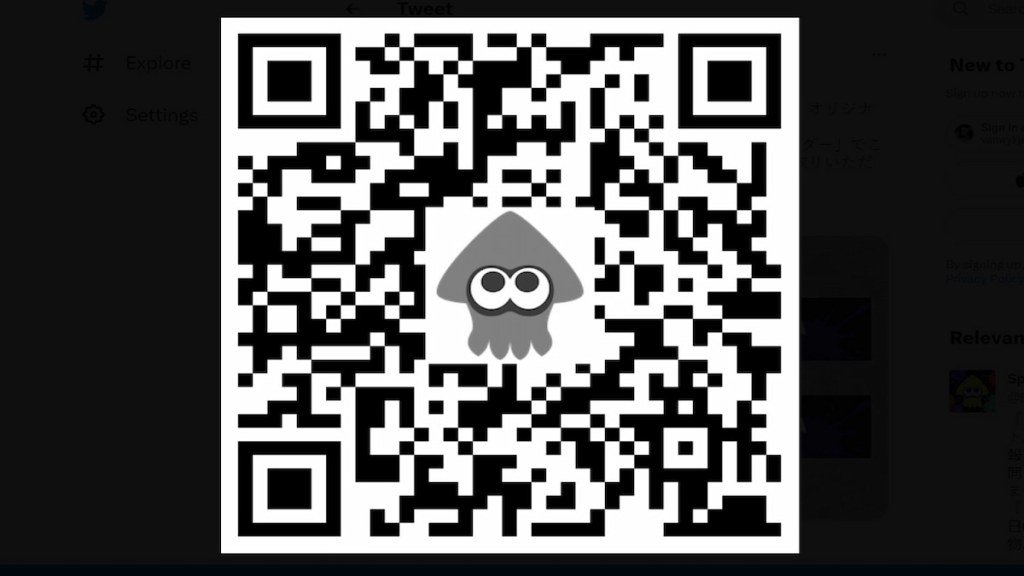
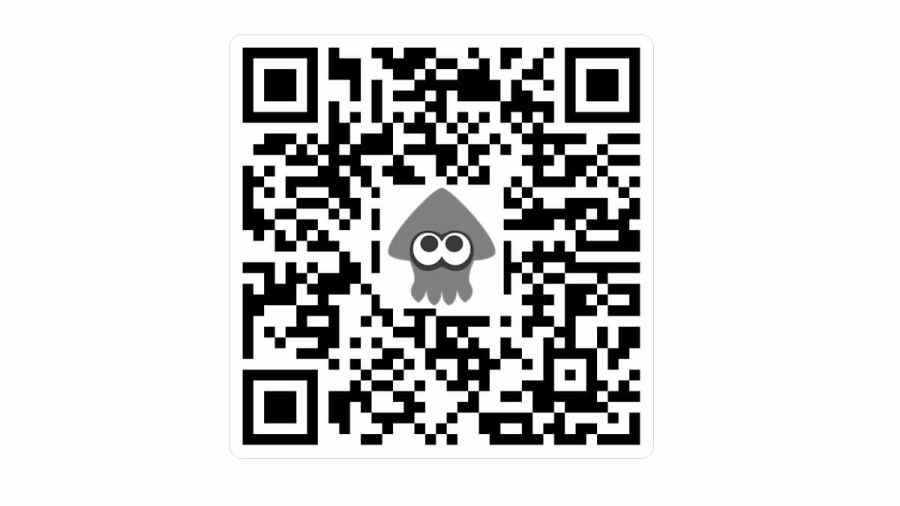
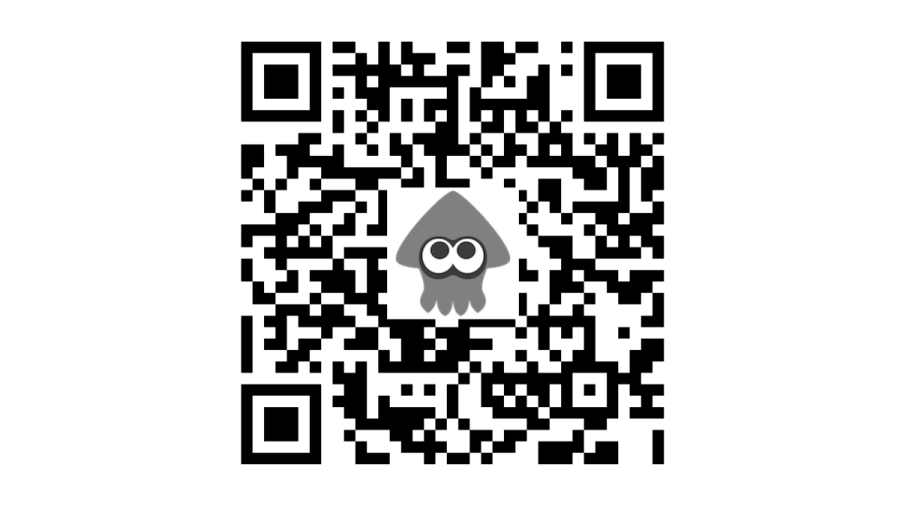
Use the QR Code Reader in the Splatoon 3 tab of the Nintendo Switch Online app to scan the QR code in the Tweet. Then, in-game, go to themultiplayer lobbyand speak with theterminal. Select theGet Stuffoption to receive your reward.
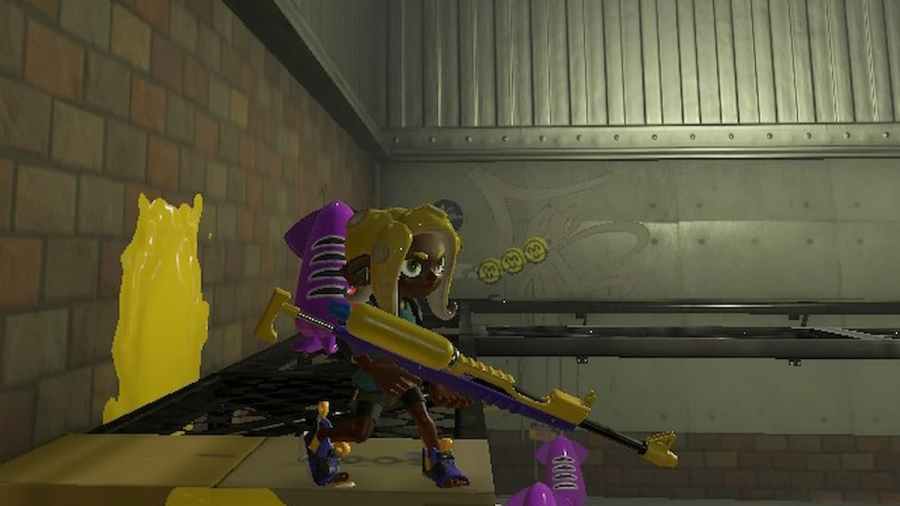
Related:How to import Splatoon 2 data into Splatoon 3
All QR Codes for Splatoon 3
TheSplatoonJPorSplatoonNATwitter will post new QR codes, and we will update this list to add these codes. Be sure to bookmark this page to see when new codes are posted and get free rewards. Here are all QR codes in Splatoon 3.
QR Code– Celebratory Banner
QR Code– Nintendo Live-themed Banner
For more information on Splatoon 3, check outHow to throw Golden Eggs in Splatoon 3 Salmon RunandIs Splatoon 3 better with a Pro Controller?on Pro Game Guides.