The Auto 9 is Robocop’s signature weapon inRoboCop Rogue City, and it is possible to upgrade to levels beyond any other. The upgrade system is confusing though, so here’s a precise guide on how to upgrade it.
How to upgrade the Auto 9 in RoboCop Rogue City
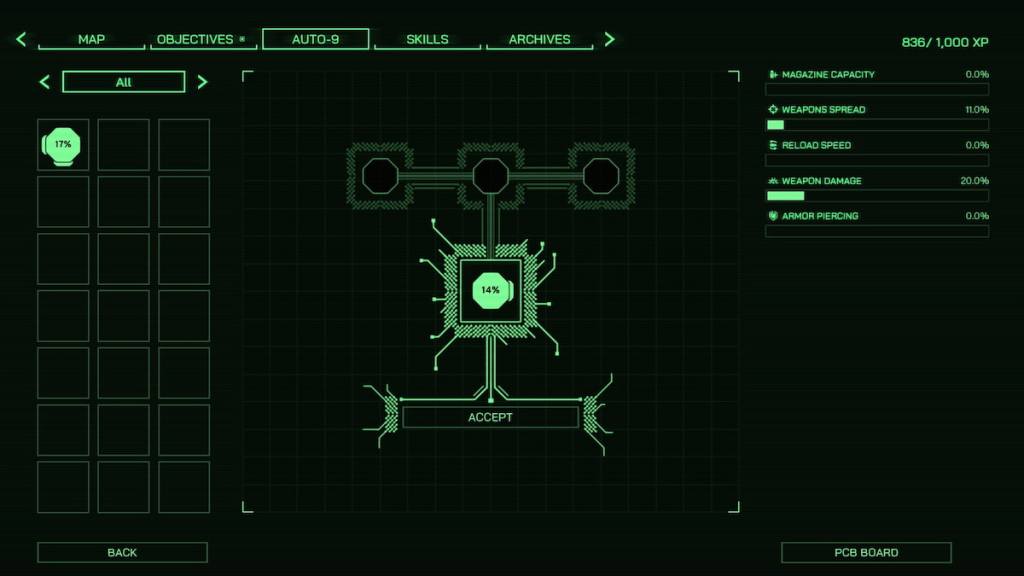
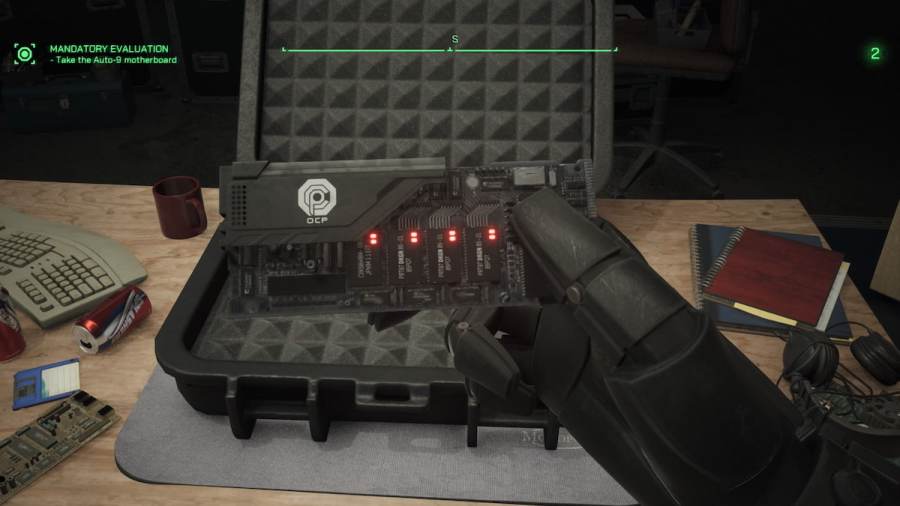
You’ll gain the ability to upgrade the Auto-9 following the main story missionSoot’s Final Encore. Following the cutscene you’ll be given anAuto-9 Motherboardwhich unlocks the system. To access the motherboard, open yourSkillTreeand selectAuto-9in the menu.
All upgrading of the Auto-9 is done from this menu. Upgrading is done withOCP Chips.
RoboCop Rogue City - OCP Chips, Explained
There is a lot of information on this screen but focus on theleft sidefor the time being. On the left, you should see a number of filled-in shapes with percentages. These areOCP Chipsand they are paramount to the upgrade system because they are what you’ll be using to complete the process.
The percentages on top of each chip represent the upgrade amount of any given stat. A20%OCP Chip, when equipped, will give you a20% increase to the desired stat. I’ll explain more about the stats shortly. Bear with me for now.

If you look closely at any given OCP chip, you’ll see it has ‘wings’ on either theNorthern, Southern, Eastern,and/orWesternportions of it.
These wings represent thepathway the upgrade will take on the motherboard(more on that later) when determining thefinal stat allocationgranted to the Auto-9. New OCP Chips can be found and looted throughout the game for additional stat-increasing options.

Related:How long to beat RoboCop Rogue City
RoboCop Rogue City - Motherboards, Explained
On the Auto-9 screen,the centerof it is filled with aMotherboard. These are special devices you may find that determine which possible stats you can upgrade for your Auto-9. Motherboards for the Auto-9 are made up ofNodesandPathways.
Pathways connect Nodes together, which begins a chain of stat gains for the Auto-9. Together, these two principles make up the entire equipped Motherboard. You can find other Motherboards throughout the game.

Related:Who Killed Casey Carmel Walkthrough – RoboCop Rogue City
RoboCop Rogue City - All Stats, explained
Now that you have an understanding of OCP Chips and how they function with a Motherboard, it’s time to talk about the five possible stats you can gear for (for the Auto-9) in RoboCop Rogue City.
On the right side of theAuto-9menu, you see the total of the five stats you’ve gained by placing OCP Chips in the Motherboard.

All Motherboards in RoboCop Rogue City use these five stats as their Nodes, but in differing orders and Pathways. This offers a significant amount of customization when it comes to tailoring the Auto-9 to your personal fancy.
RoboCop Rogue City- Chip Merging, explained
As you may have surmised from the name, Chip Merging is the act of combining OCP Chips with each other to produce stronger versions. You must combine at leastthree OCP Chipstogether when attempting to perform a Chip Merge.
You arenotguaranteed to get a better chip when performing a Chip Merge, so I don’t recommend attempting to do so until you have a lot of OCP Chips to spare. This is because any OCP Chips used in the merging processare lostupon completion of the process.

For more helpful guides and useful information on RoboCop Rogue City, check outIs RoboCop Rogue City open world?right here on Pro Game Guides.