Weather in Minecraft can sometimes obstruct your vision and prevent you from doing various activities in the game. However, by using a particular command, you may get around this otherwise unavoidable problem.
How to use the Weather command in Minecraft
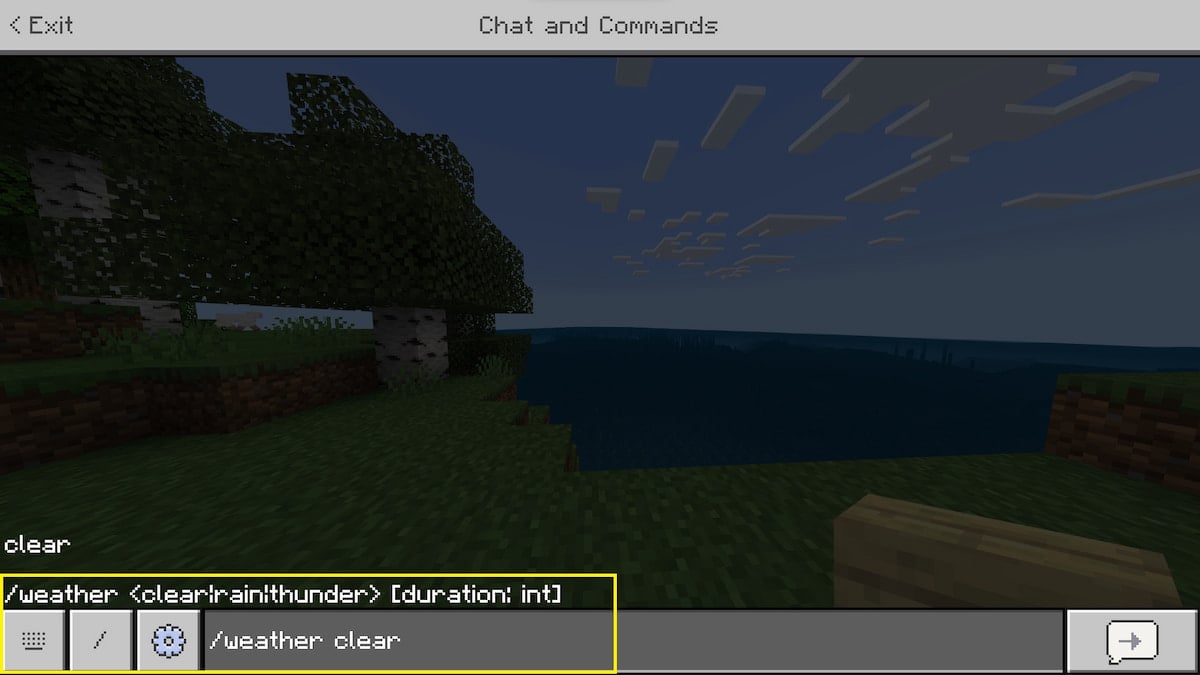
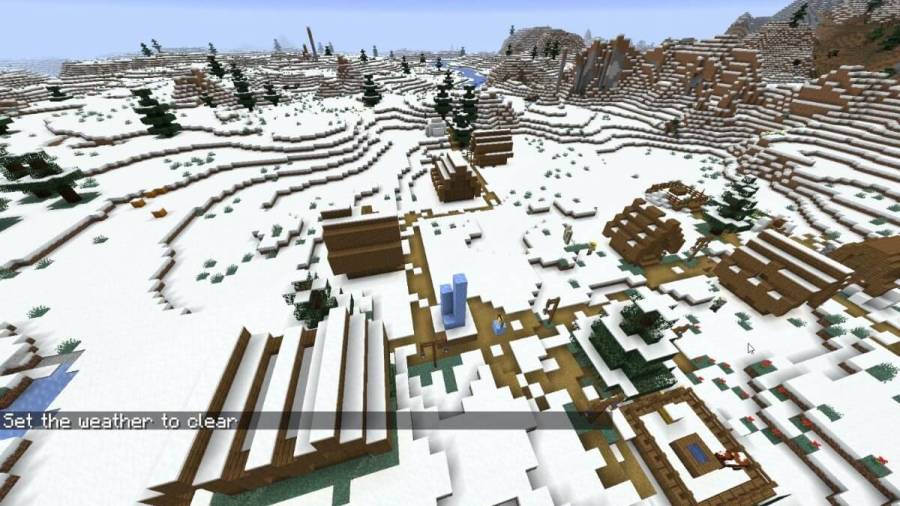
To change the weather in Minecraft, you will need toenable cheatsin your World and enter/weatherwith your preferred weather command after, i.e., /weather clear.
Related:All Minecraft Cheat Codes & Commands List
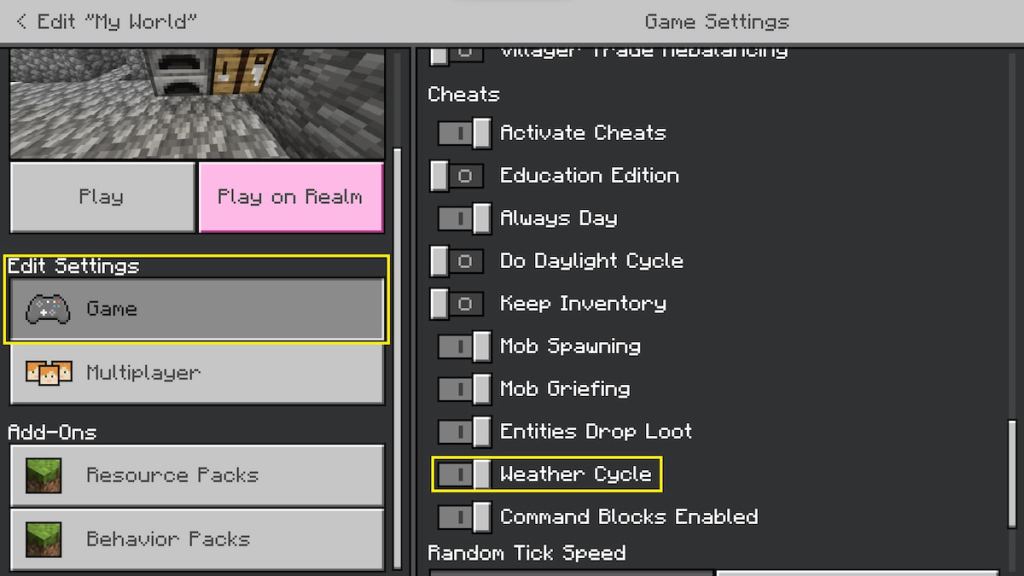
How to enable or disable Weather Cycle in Minecraft
The Weather Cycle option in Minecraft allows for the weather to change within the game naturally. Disabling this option means if you have rainy weather in-game, you’ll be stuck with it unless you use the console commands above to change the weather.
Disabling Weather Cycle allows you to take picture-perfect screenshots of your house without worrying about rain or thunderstorms in Minecraft.
For more guides onMinecraft, check outHow to make a potion of strength in Minecraftin Pro Game Guides.