The Finals game offers exciting multiplayer clashes, but as much as I love gaming with strangers, it’s much more fun playing with buddies! Here’s how to invite friends in The Finals, no matter the platform they play on.
How to add friends in The Finals
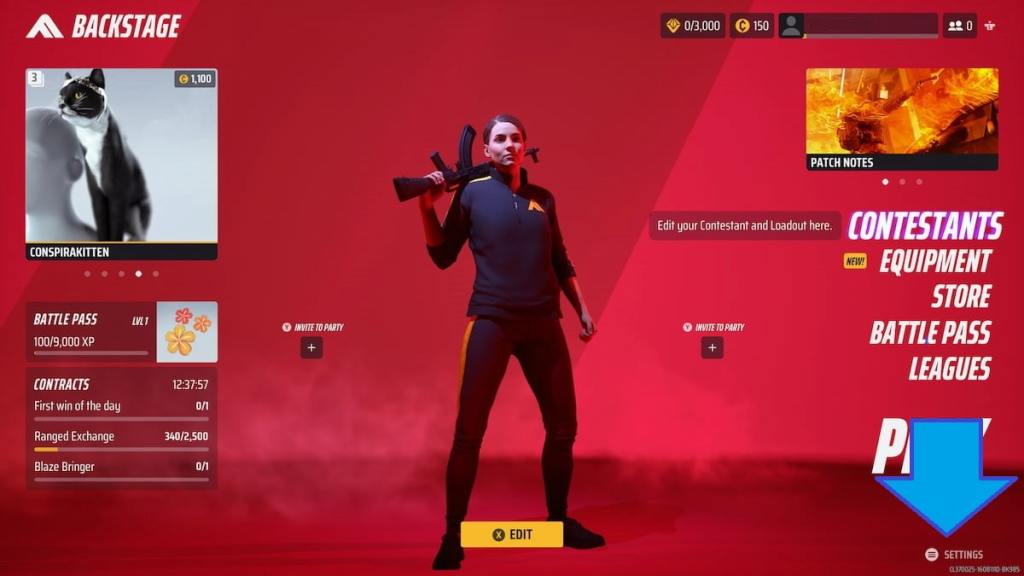
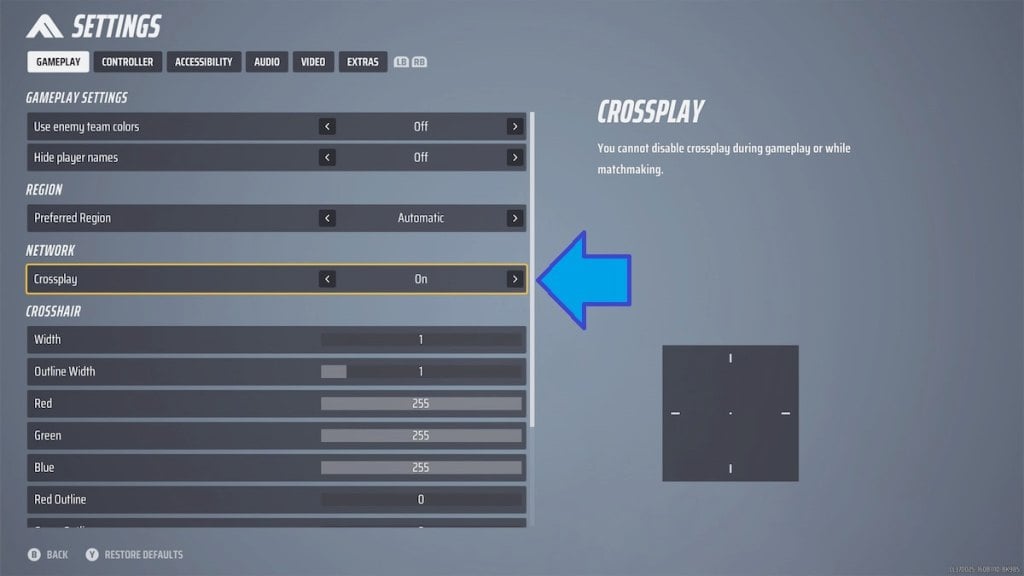
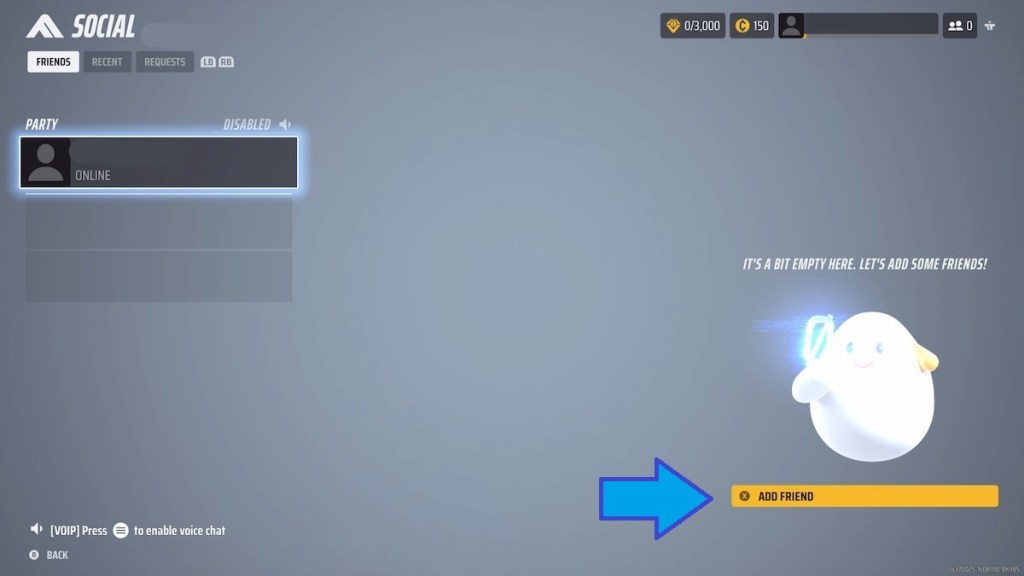
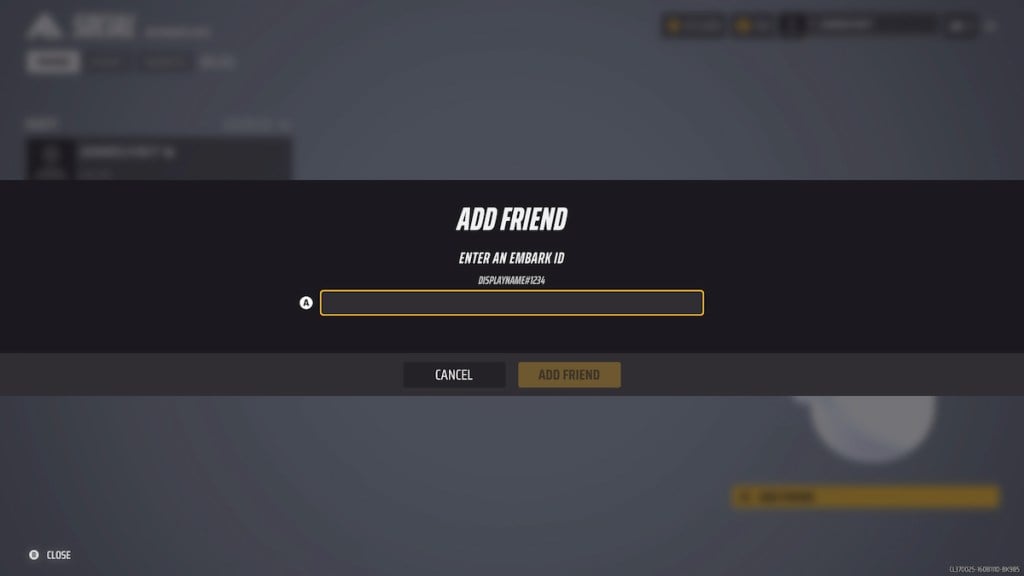
To add friends in The Finals,choose the Add Friend option in the game settings.The option to add friends is hidden in the game’s menu, but it only takes a few easy steps to activate and grow your squad. Follow the instructions below and add friends for exciting crossplay action.
Related:The Finals matchmaking failed error – how to fix

The Finals Crossplay FAQ
Where to find more players to play The Finals
VisitThe Finals Discord Serverto find more squad members, discuss tips and tricks for the game, and learn about new promos and updates.
What is Embark ID?
Embark ID is the unique user name you receive when creating an account in The Finals. That user name is the one your friends can use to add you to their friend list, and you may use it to find them in the game.
How do I find my Embark ID?
Your The Finals Embark ID is always displayed in the top-left corner of the Socials screen, and that’s the name players will see in the game.
How can I change my Embark ID?
To change your Embark ID, go to theEmbark Games Log-in page, choose your platform, and log into the website. Once logged in, you’ll see your Embark ID under theDisplay nametab. Press theEdit buttonto the right of the Display name tab to change your Embark ID. Remember, no swear words!
Need help with errors in The Finals? Check outHow to fix missing angelscript callstack error in The Finalson Pro Game Guides.