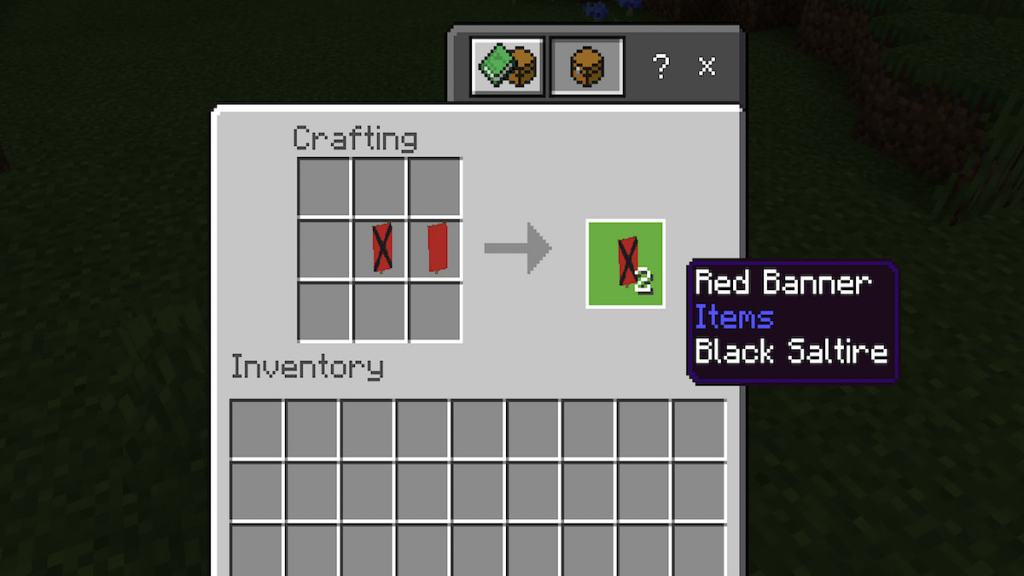
Banners were added to Minecraft in version 1.8, meaning they have been a part of the game for a long time! Since then, I noticed they made many changes, including new forms of usage, patterns, and colors.
How to Make and Use a Banner in Minecraft
Banners are very easy to make and could be considered an early-game item. If you feel you’ve found the perfect permanent base for your world, why not decorate it with its very own Banner and insignia? Once you craft it, you can adorn it with some of themore popular banner patternsor design one entirely of your own!
Crafting a banner in Minecraft
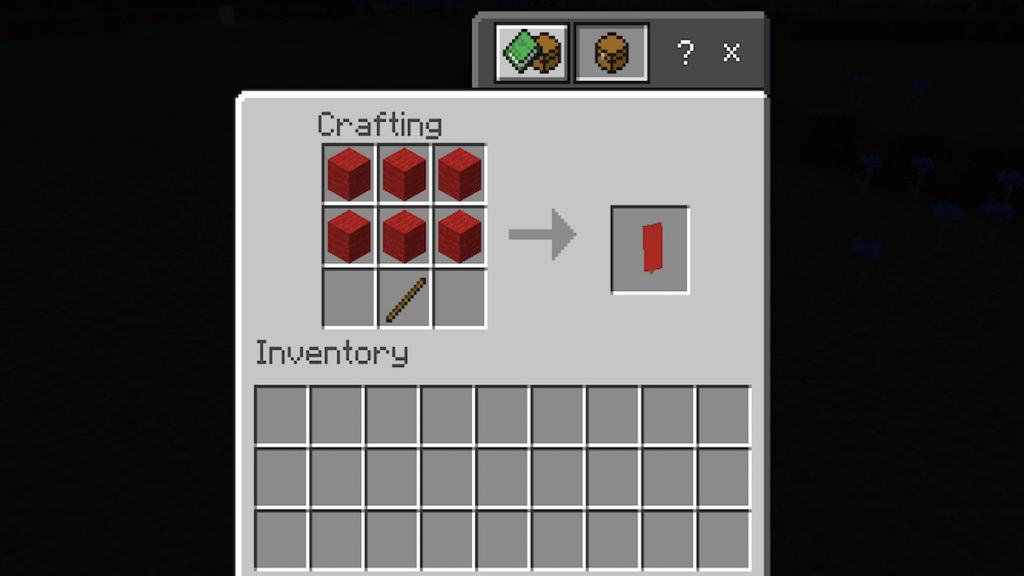
To craft a Banner in Minecraft, you’ll need the (easy-to-access) crafting resources listed below.
When you have the ingredients above, simply place them in the Crafting Table in the pattern shown in the image above. If, for some reason, you can’t see the image, follow these instructions:
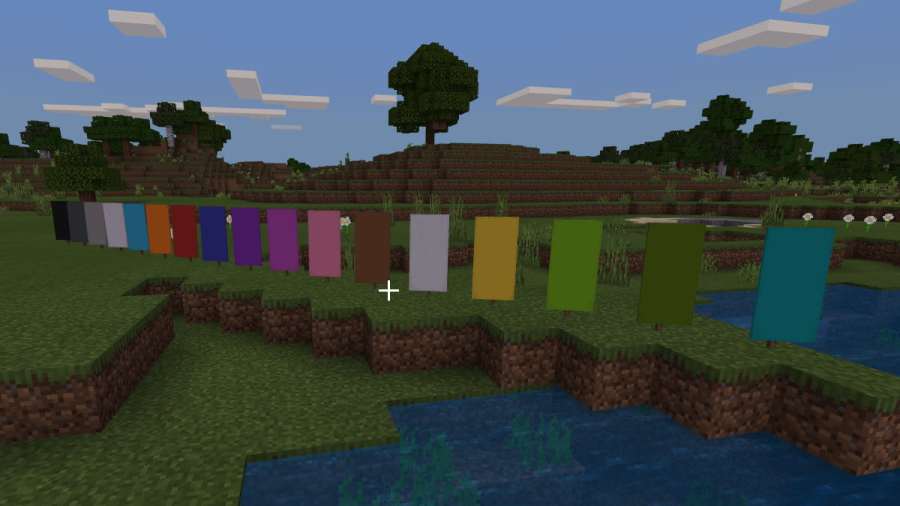
Once you have done that, you’ll have a Banner with a background color that matches the color of the Wool you chose.
Related:How to Make A Map in Minecraft
How to use a Banner in Minecraft
There are many different ways to use a Banner in Minecraft. Still, the primary one is to make an insignia/design to represent your Minecraft base. Using a banner is also an excellent way to declare faction intentions and territory on Multiplayer servers. The list below provides a rough outline of how to use Banners differently.
Now that you know how to make and use banners, you can properly represent your faction on Multiplayer Servers or Pillager Raids! Make your name known!
Now that you have an insignia, why not form an army of Wolves? Check out our guide onHow to Breed Dogs in Minecraft!