Modding has always been a very big part of the Cities Skylines franchise, and with Cities Skylines 2 out, players like you and I are curious tolearn how modding will workfor the game. Let me tell you how to mod Cities Skylines 2 below.
How to install mods for Cities Skylines 2
Paradox Interactive opted to use its own platform (Paradox Mods) to support modding for Cities Skylines 2 instead of using Steam Workshop, which has been the most popular way of installing mods in the last generation of the game. However, there are other ways of modding the game, which I will also discuss below.
How to install mods for using Paradox Mods
How to install unofficial mods for Cities Skylines 2 on PC
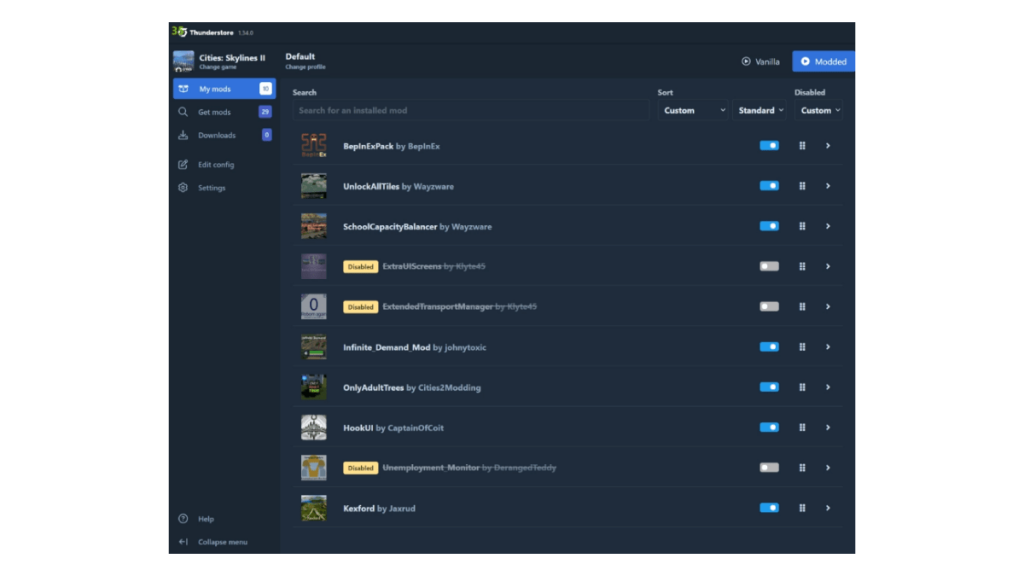
Thunderstore will install the game into your Cities Skylines 2 files and update them automatically. You will also be asked to downloadBepInExPack, a framework used to make the mods work.
Related:Cities Skylines 2 optimized settings
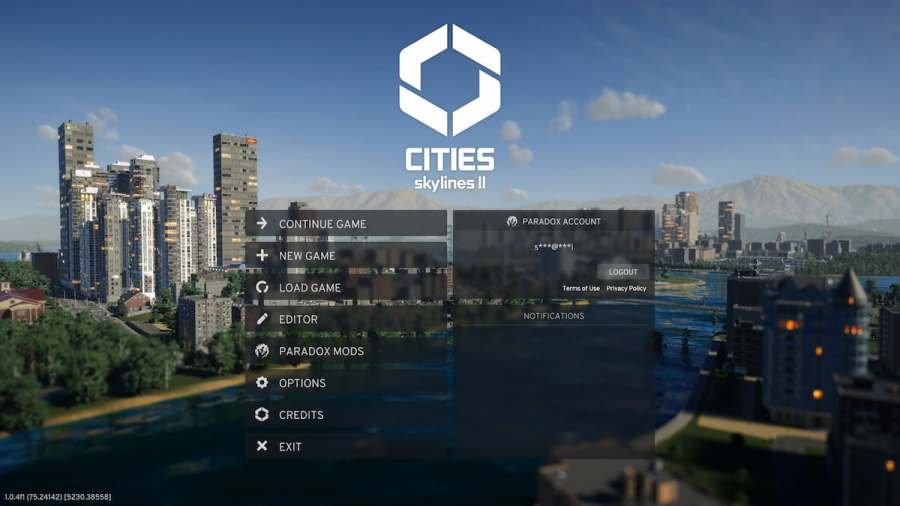
How to install Cities Skylines 2 mods on Xbox Series X/S and PlayStation 5
The process for installing Cities Skylines 2 on the console will be similar to how it’s done on a PC. This is one benefit of having Paradox Mods as the main platform for getting mods.
With time, the Cities Skylines 2 community will find more ways to mod the game by just placing the mods into the game’s files instead of using the official methods to mod the game.
For more on Cities Skylines 2, be sure to check outCities Skylines 2 building upgrade system, explainedhere on Pro Game Guides.
