The saving features in Pacific Drive can be challenging, and the problem is not related to thecontrolsat all but rather when you can actually do it. If you’re wondering how to avoid losing progress, here are all the details!
Can you save mid-drive in Pacific Drive?
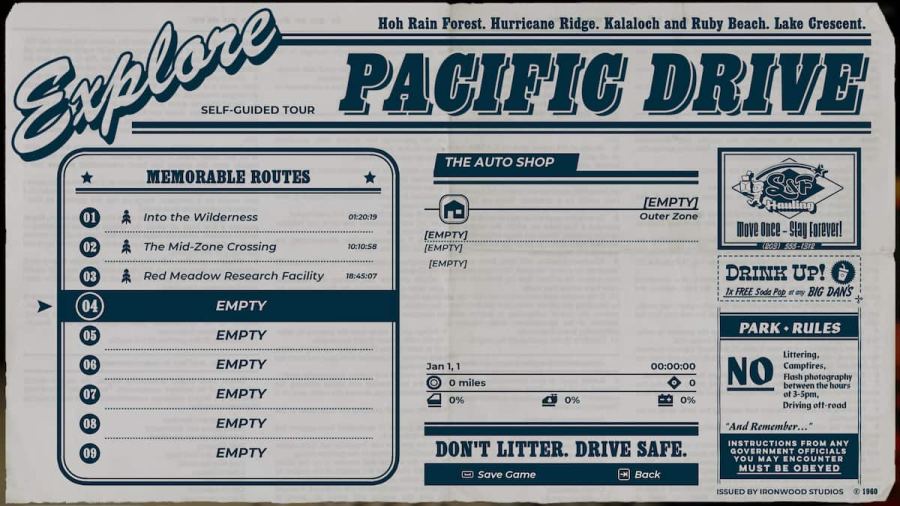
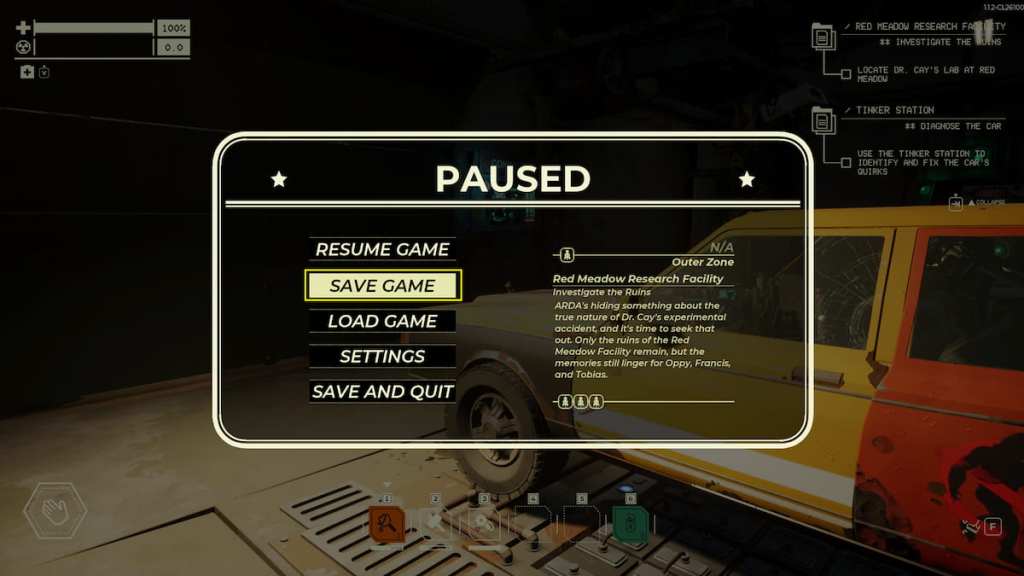
After getting through the tutorial in Pacific Drive, you cansave any time while you’re at the garageby opening your menu withESC or Startand then selectingSave Game. Unfortunately,when you are in the middle of a Drive, you will not have the option to savethis same way.
If you need to exit the game mid-drive, the best way to save your game is to enter the next junction (if it’s a multiple-junction trip) and safely exit after the auto-save. You could also take the risk of abandoning the drive and returning to your garage immediately, but you will have the repercussions of a damaged car to deal with.
Related:How to get your car unstuck in Pacific Drive
This can be an annoyance for some players who like to save often (me included), but the developers assured us that it was entirely intentional, and they don’t currently have any plans to change it. It’s part of the challenging survival experience. However, there could be an addition if mods are allowed in the future or the developers change their minds.
Looking for more Pacific Drive content? Check outHow to fix ‘Pack Supplies’ glitch in Pacific DriveorHow to fix car quirks with Tinker Station in Pacific Driveon Pro Game Guides.
